Users
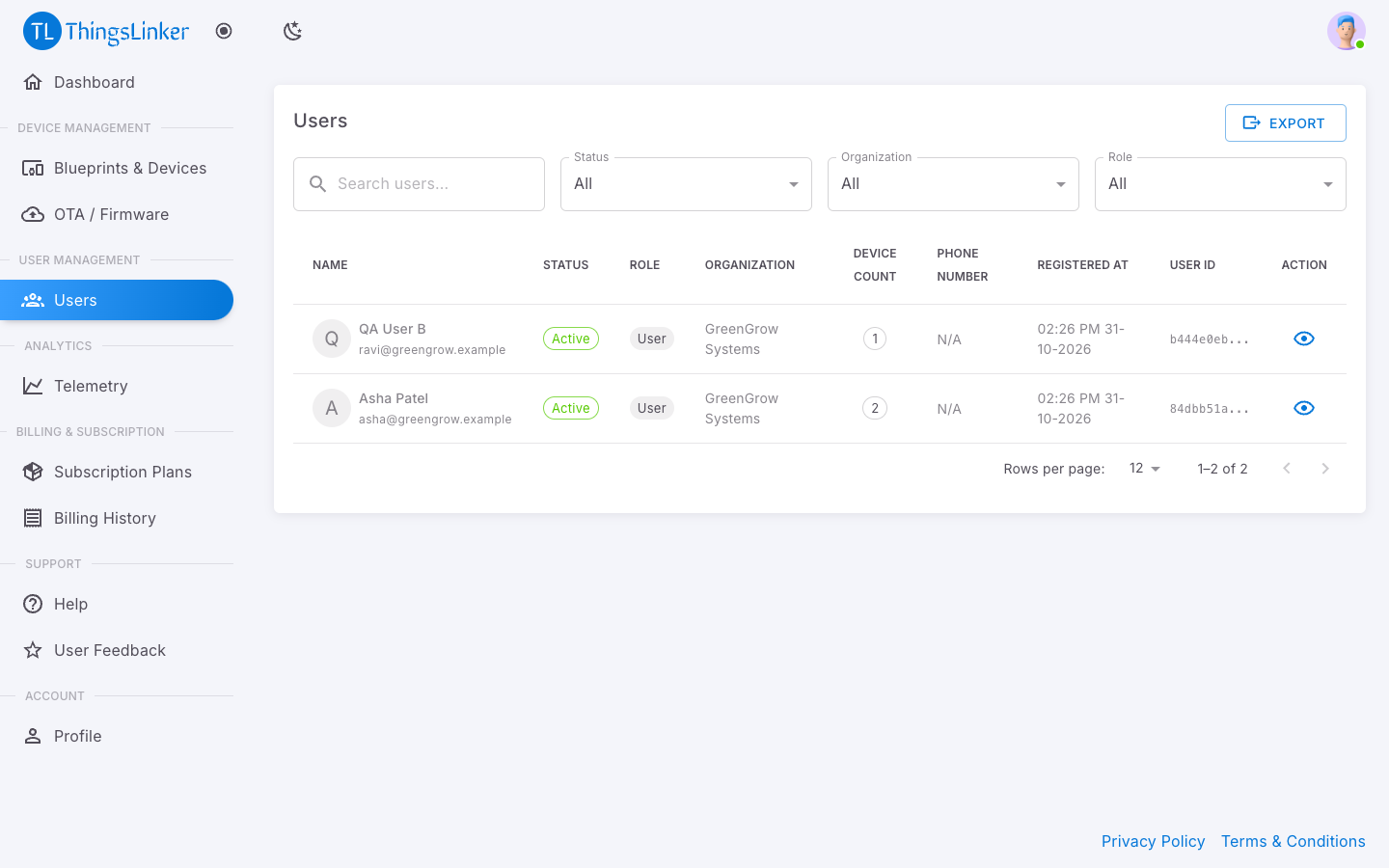
Users lists the people who have added at least one of your devices to their account. Someone appears here as soon as they add one of your devices, and drops off when they no longer have any.
For each user you see their name and email, status, how many of your devices they have, their phone number (if they gave one) and when they registered. Use Search users... to find someone by name or email, and the Status filter to show only active or inactive users. Export downloads the list as a CSV file, for example to open in a spreadsheet.
Choose the eye button (View Details) to see a user's details and the devices of yours they have.
People sign up themselves, in the app or the User Portal, and add devices with the barcode on the device's label. You do not create user accounts. To give someone access to a device, give them its barcode; see Devices.