Profile and account
Profile holds your organization's details and account settings.
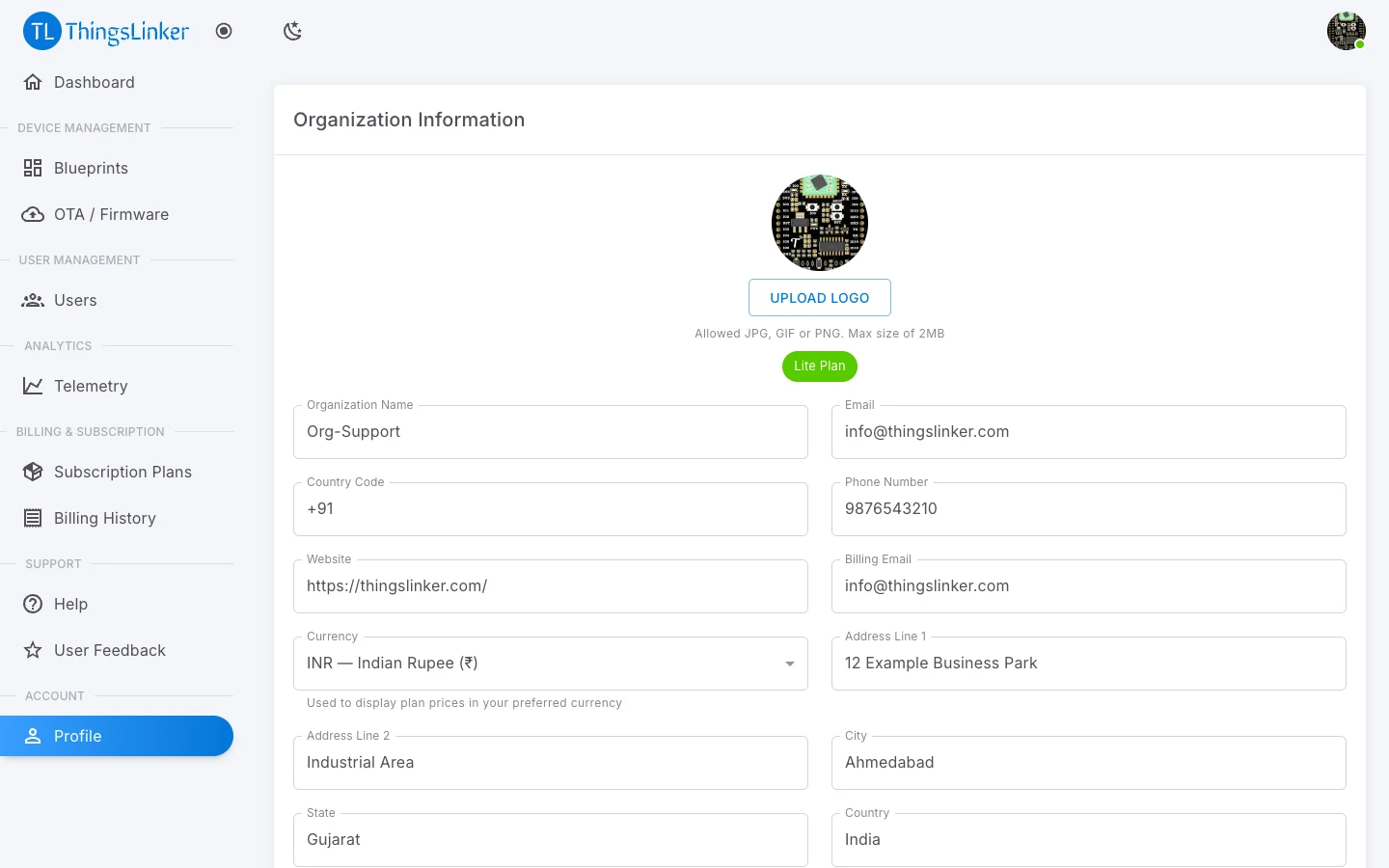
Organization Information
Keep these up to date:
| Field | Notes |
|---|---|
| Organization Name | |
| The owner email you sign in with. | |
| Country Code and Phone Number | |
| Website | |
| Billing Email | Where billing messages go, if different from the owner email. |
| Currency | Used to display plan prices in your preferred currency. |
| Address Line 1 and 2, City, State, Country, Postal Code | Your business address. Needed (except line 2) to download invoices. |
| GST Number | Optional. Your 15-character GSTIN, printed on your invoices. |
Upload Logo to add your organization's logo: JPG, GIF or PNG, up to 2 MB.
Subscription Details and Usage Limits
These show your plan, its status and dates, and how much of it you use:
- Max Users and Total Users
- Max Devices and Total Devices
- Max Blueprints
- Max API Calls Per Day
To change your limits, change your plan; see Subscription and billing.
Change Password
Enter your Current Password, then the New Password and Confirm New Password. If you have forgotten your current password, sign out and use Forgot Password.