Support tickets
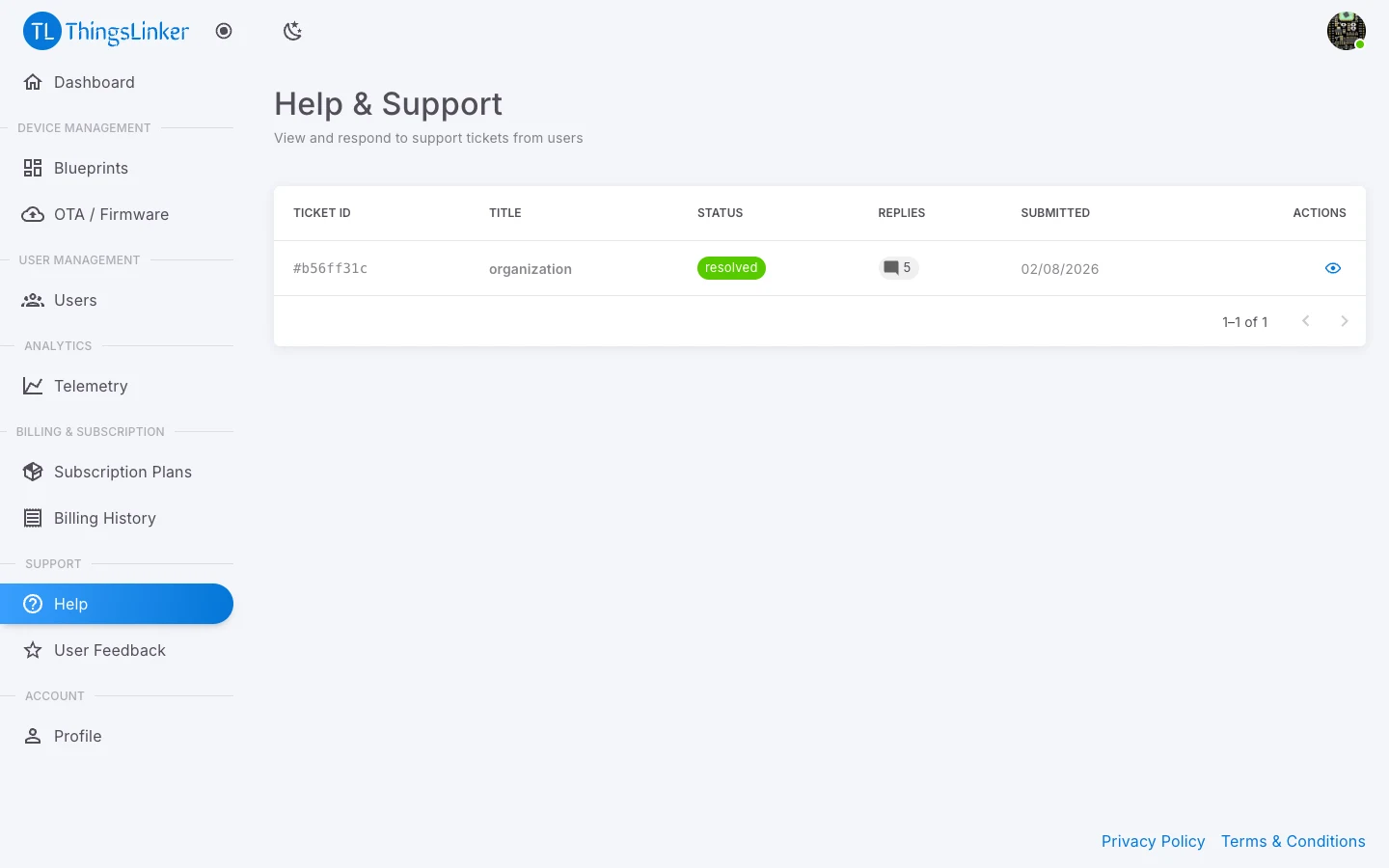
People who use your devices can raise a support ticket about a device from their User Portal. Tickets about your devices come to you, under Help in the menu.
Read a ticket
Help & Support lists the tickets from your users, with the Ticket ID, the user, the subject and the status. Open a ticket to read the user's description, any image they attached, and the conversation so far.
Reply
Type in Your Response and choose Send Response. The user sees your reply on their ticket. You can attach an image, such as a wiring diagram or a screenshot.
Set the status
Keep the status up to date so the user knows where things stand:
| Status | Use it when |
|---|---|
| Open | The ticket is new. |
| In Progress | You are working on it. |
| Resolved | You have fixed it or answered the question. |
| Closed | Nothing more is needed. |
The user sees the status change on their ticket list.
tip
Reply before you mark a ticket Resolved, explaining what you did, so the user can confirm it works for them.