Telemetry
Telemetry shows the data a device has sent, which is useful for checking that new firmware reports what it should.
- Choose a Device.
- Optionally narrow it down by Widget Type and Virtual Pin (All Widgets and All Pins show everything).
- Load the data.
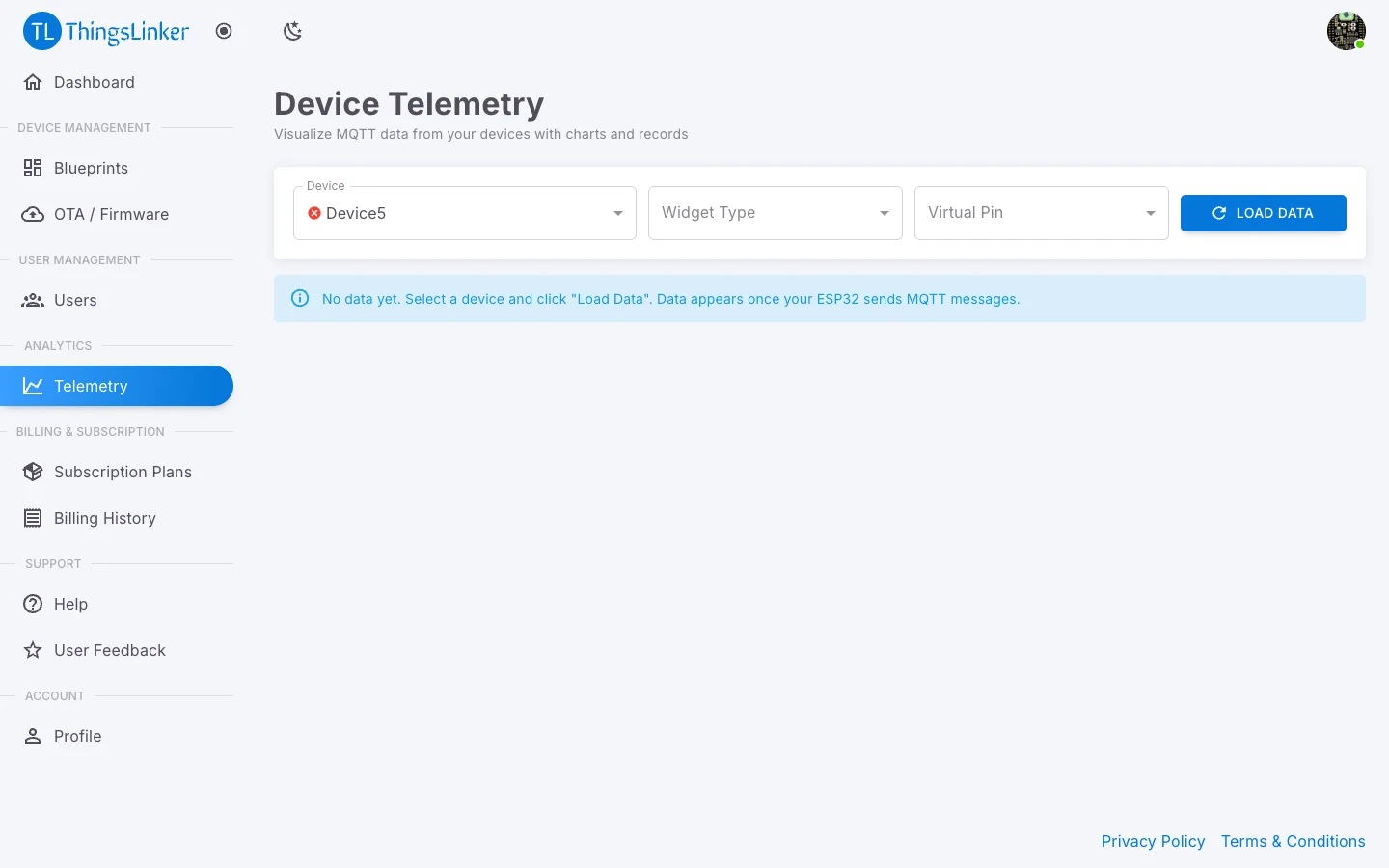
You get three views:
| View | What it shows |
|---|---|
| Line Chart (Value Over Time) | Numeric values over time. Text values are not plotted. |
| Pie Chart (Messages by Widget Type) | How many messages each widget type received. |
| Records Table | Each message as received, including its Raw Payload. |
Data appears as soon as the device starts sending. If you see No data yet, the device has not sent anything on the selected widget type or pin; check it is online and that the firmware uses the right virtual pins.