Support and feedback
Get help with a device
Support tickets go to the company that supplied the device, because they know the device best. Tickets are raised in the User Portal.
- Go to Help & Support and choose New Ticket.
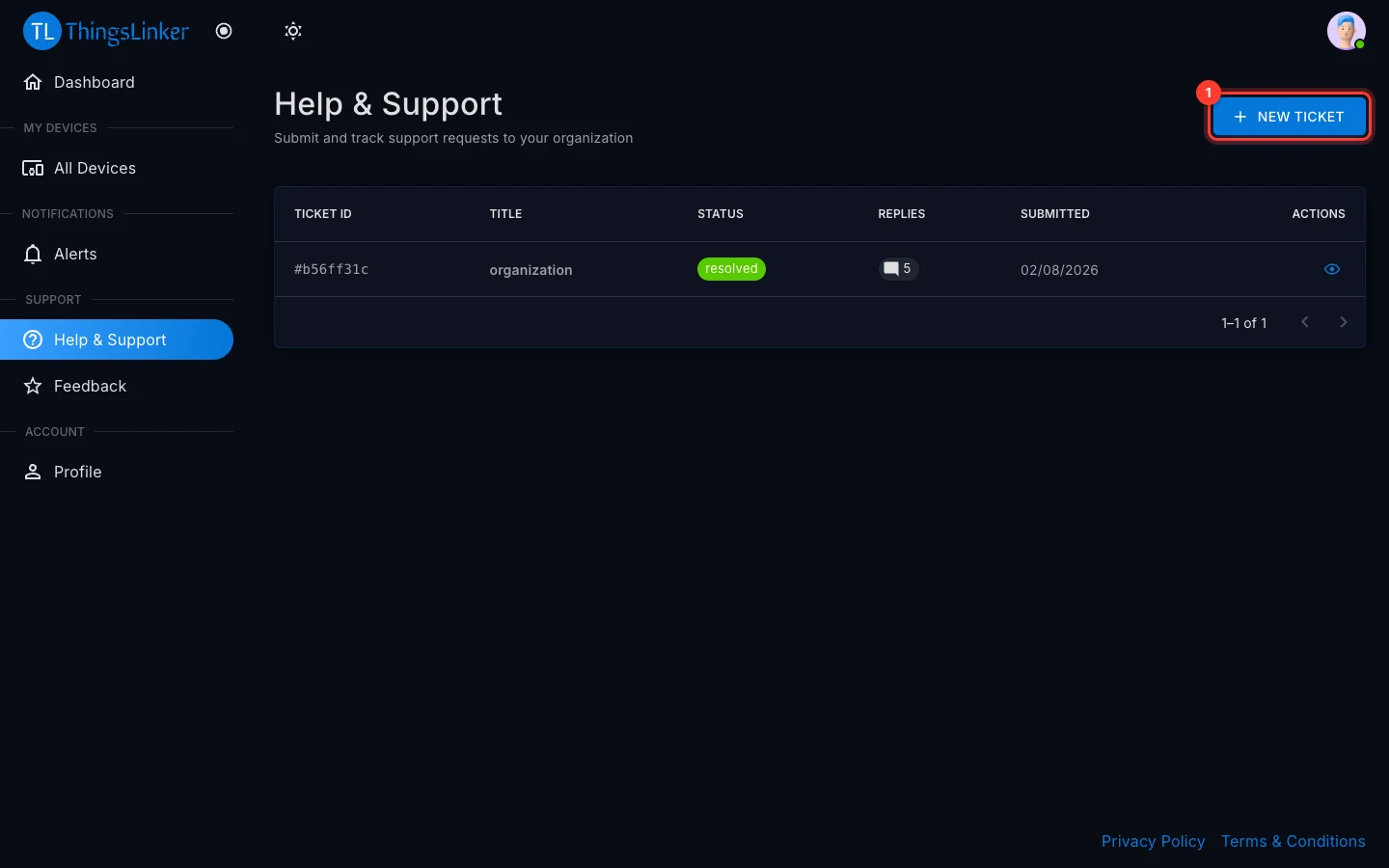
- Choose which device has an issue. The form shows the company the ticket will be sent to.
- Enter a Title, a short summary such as "Readings stopped", and a Description with the details: what you expected, what happens instead, and since when.
- Attach a photo or screenshot if it helps, and submit.
Follow a ticket
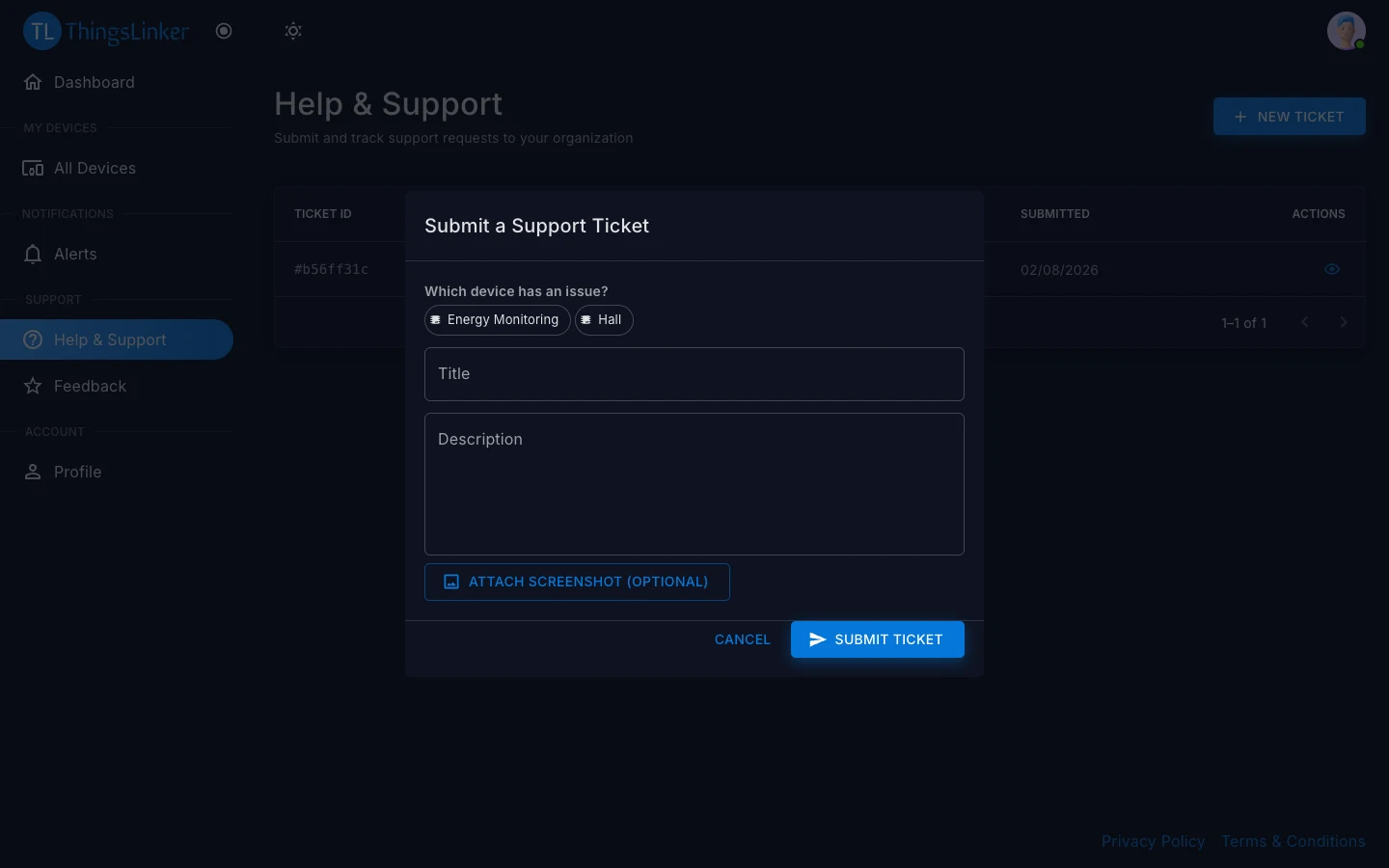
Your tickets are listed on Help & Support with their status:
| Status | Meaning |
|---|---|
| Open | Received, not yet picked up. |
| In Progress | The company is working on it. |
| Resolved | The company considers it fixed. |
| Closed | Finished. |
Open a ticket to read the replies and Add Reply to answer. You can attach an image to a reply too.
Send feedback
Tell us how ThingsLinker is working for you. Feedback is a rating from 1 to 5 stars with an optional comment.
- App: Profile → Send Feedback.
- User Portal: Feedback in the menu. This page also lists the feedback you have sent.
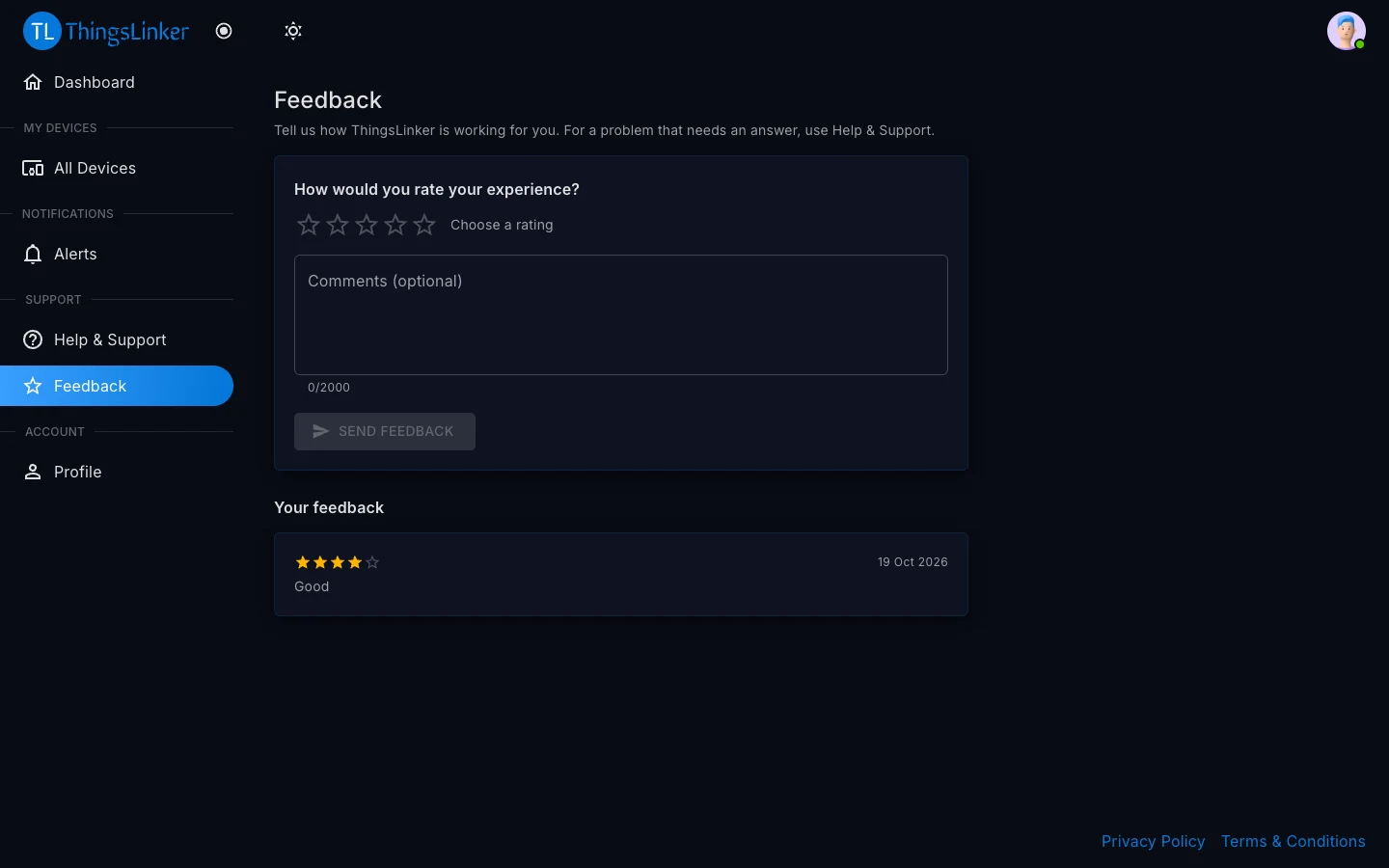
Your feedback, with your name and email address, is seen by ThingsLinker and by the companies whose devices you use.
Feedback or support?
Use feedback to rate your experience. If something is wrong and you need an answer, raise a support ticket instead.