Account settings
Open Profile, in the app or in the User Portal menu.
Edit your profile
- App: Edit Profile to change your first name, last name and phone number.
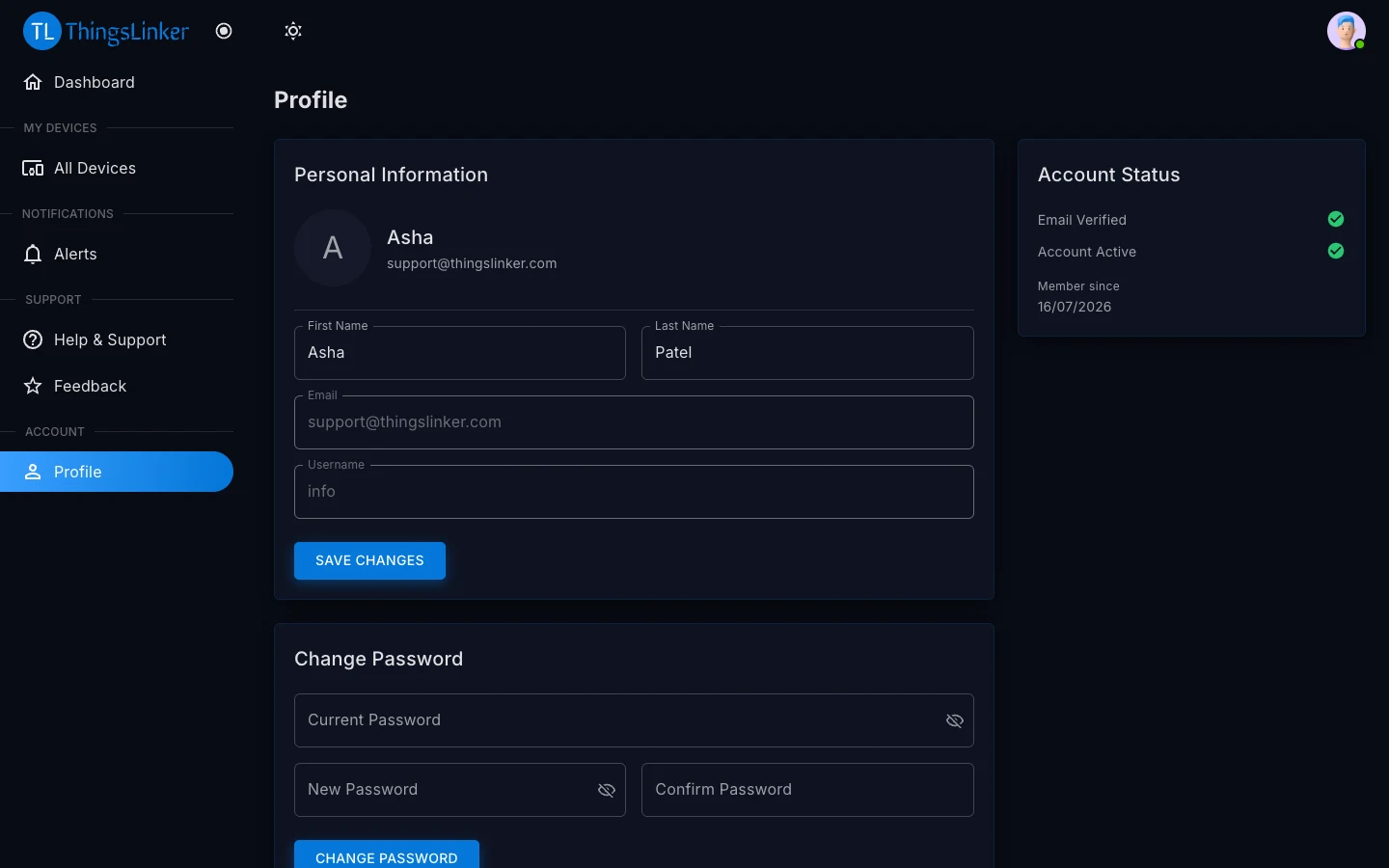
- User Portal: change your first and last name under Personal Information.
The User Portal also shows your account status: whether your email is verified, whether the account is active, and when you joined.
Change your email address
In the app: Profile → Change Email.
- Enter your new email address. We send a 6-digit code to that address.
- Enter the code to confirm. From then on you sign in with the new address.
Change your password
- App: Profile → Change Password.
- User Portal: Profile → Change Password.
Enter your current password, then the new one twice. If you have forgotten your current password, sign out and use Forgot Password instead.
Sign out
In the app: Profile → Logout.
Delete your account
Deleting your account is permanent and cannot be undone.
- App: Profile → Delete account, then enter your password to confirm.
- User Portal: Profile → Delete Account.
- Without signing in: go to app.thingslinker.com/delete-account and confirm with your email and password.
If you cannot sign in at all, email support@thingslinker.com from your account's email address and we will delete it for you.
What is deleted: your name, email address, phone number, password and profile photo; your access to your devices; your alert rules and alert history; your notifications; your support requests; and your feedback.
What is kept: the devices themselves and the readings they recorded belong to the company that supplied them. Removing your account frees the devices, so they can be added to another account.
Privacy
Read how we handle your data in our Privacy Policy and the Terms & Conditions. In the app, both are linked from Profile → About.